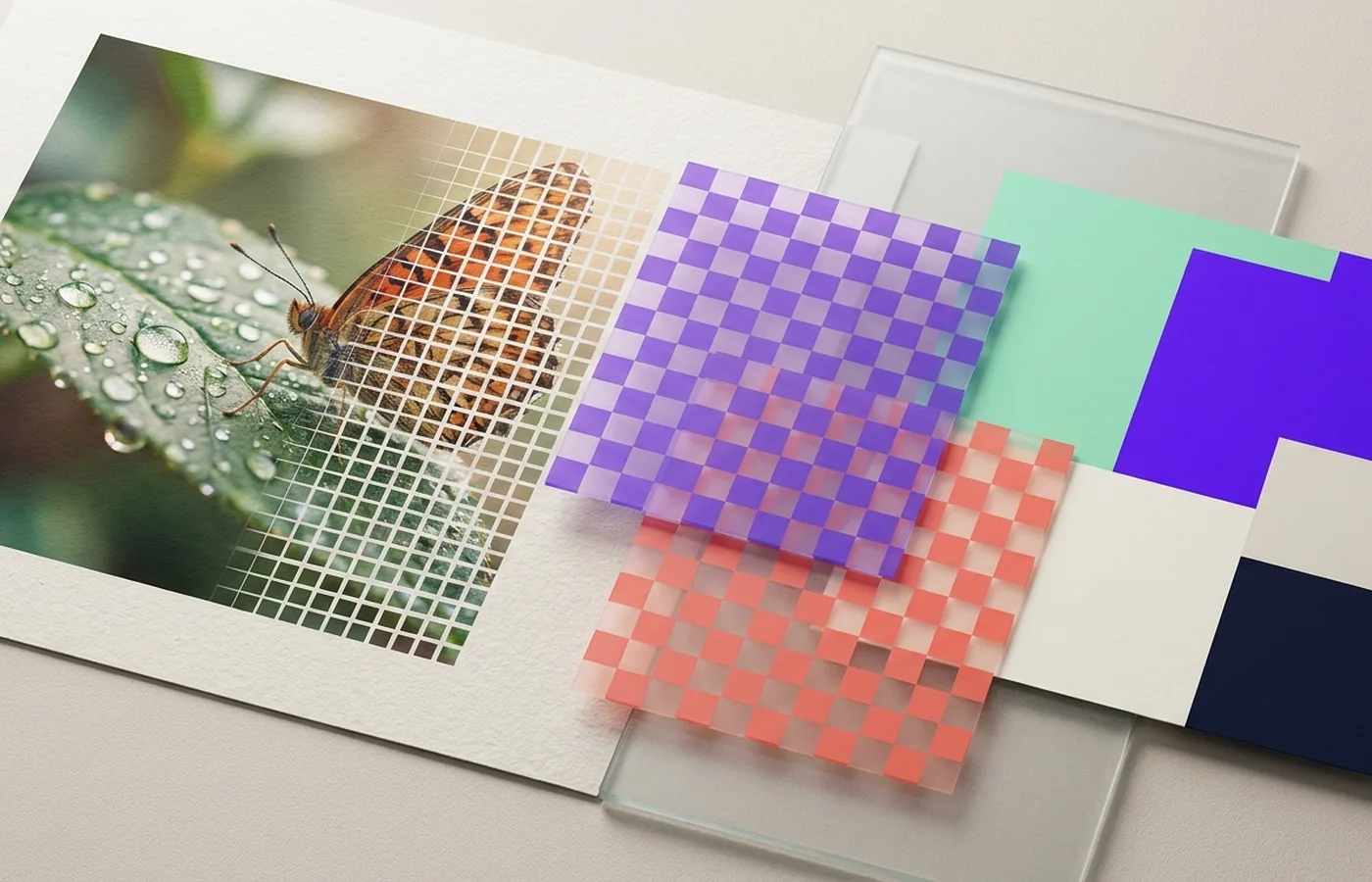
The right web image format depends on transparency, detail, browser support, and how aggressively the image must load. For this images & graphics question, the useful answer depends on evidence from the source, the properties named below, and the requirements of the final destination.
Judge an image by content type, target dimensions, transparency, color space, and whether future editing matters. The starting point for “JPG, PNG, WebP, and AVIF compared” is this observation: JPG remains predictable for photographs but has no alpha channel.
Three findings that guide this choice
The core distinction
JPG remains predictable for photographs but has no alpha channel.
The practical trade-off
PNG preserves sharp interfaces and transparency at a size cost.
The verification test
WebP is a strong default; AVIF can be smaller but needs careful encode and decode testing.
A practical decision for this workflow
Publish WebP as the primary derivative and retain the original PNG, TIFF, or camera file as the master.
Use webp is a strong default; avif can be smaller but needs careful encode and decode testing. as the acceptance test on a representative source before committing an entire archive, publication, or delivery batch.
Try the comparison on your own artwork with PNG to WebP or JPG to AVIF, and read when SVG, PNG or ICO is the better fit.
The images & graphics mistake to avoid here
Using PNG for full-resolution photos and then blaming the page for slow loading.
That failure conflicts directly with the recommendation for “JPG, PNG, WebP, and AVIF compared”: Publish WebP as the primary derivative and retain the original PNG, TIFF, or camera file as the master.
Format is only one lever for page speed: set a media budget for each page first, then use the AVIF conversion hub to test the newest option against WebP.
Review checklist before delivery
- ✓Pixel dimensions meet the destination requirement.
- ✓Transparency and edge pixels render correctly.
- ✓The intended ICC color profile is embedded or converted deliberately.
- ✓Text, gradients, and fine texture survive at normal viewing size.
For “JPG, PNG, WebP, and AVIF compared,” success means the chosen result passes these topic-specific checks - Not merely that a new file opens.