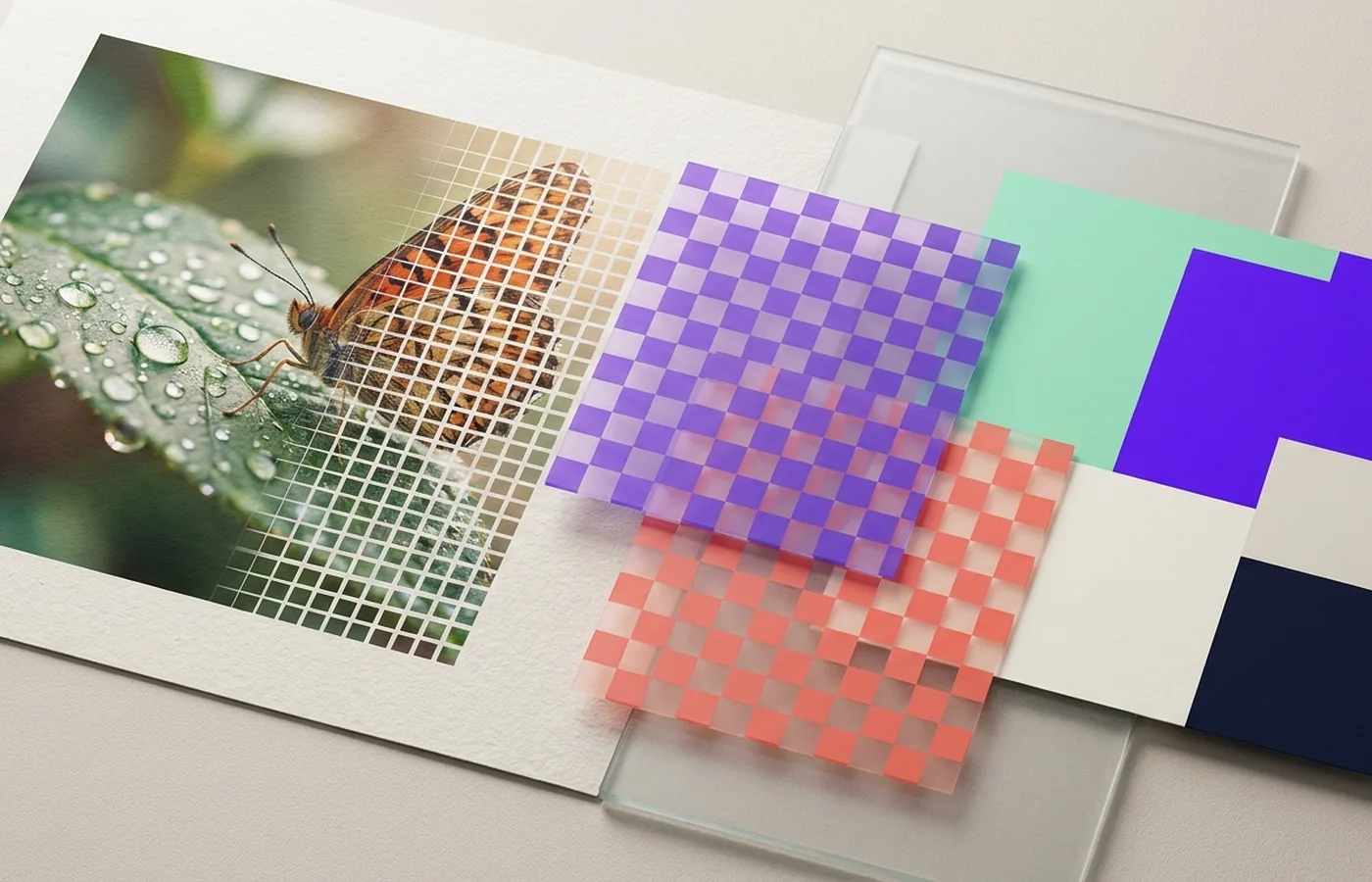
Pixels describe samples; vectors describe shapes. The correct choice follows the content, not a design trend. Answering this images & graphics question well means looking at evidence from the source file, the properties covered below, and what the final destination actually requires.
Judge an image by content type, target dimensions, transparency, color space, and whether future editing matters. In “Raster vs. vector: choose by how the artwork must scale,” begin with this specific observation: Raster excels at continuous-tone photography.
Three findings that guide this choice
The core distinction
Raster excels at continuous-tone photography.
The practical trade-off
Vector excels at logos, icons, diagrams, and typography.
The verification test
Converting a low-resolution raster to SVG does not recreate missing geometry.
A practical decision for this workflow
Keep logos and interface artwork in SVG plus a PNG fallback where required.
Use converting a low-resolution raster to svg does not recreate missing geometry. as the acceptance test on a representative source before committing an entire archive, publication, or delivery batch.
When a logo only exists as pixels, tracing a PNG into SVG is a starting point; going the other way, rasterise an SVG to PNG at the exact size you need.
The images & graphics mistake to avoid here
Tracing complex photography into enormous, unusable vector paths.
That failure conflicts directly with the recommendation for “Raster vs. vector: choose by how the artwork must scale”: Keep logos and interface artwork in SVG plus a PNG fallback where required.
Design files often arrive as Illustrator or PostScript artwork; the Adobe Illustrator (AI) converter and EPS file converter keep the paths intact, and keeping vectors as vectors inside a PDF is also what keeps documents small.
Review checklist before delivery
- ✓Pixel dimensions meet the destination requirement.
- ✓Transparency and edge pixels render correctly.
- ✓The intended ICC color profile is embedded or converted deliberately.
- ✓Text, gradients, and fine texture survive at normal viewing size.
The real bar for “Raster vs. vector: choose by how the artwork must scale” is passing these topic-specific checks - a file that simply opens is not enough.