Pixels, paths, alpha, and color
Inspect pixel dimensions and embedded color profile. Separate photographic detail from flat graphic regions.
Practical image decisions for publishing, photography, design systems, accessibility, and long-term archives.
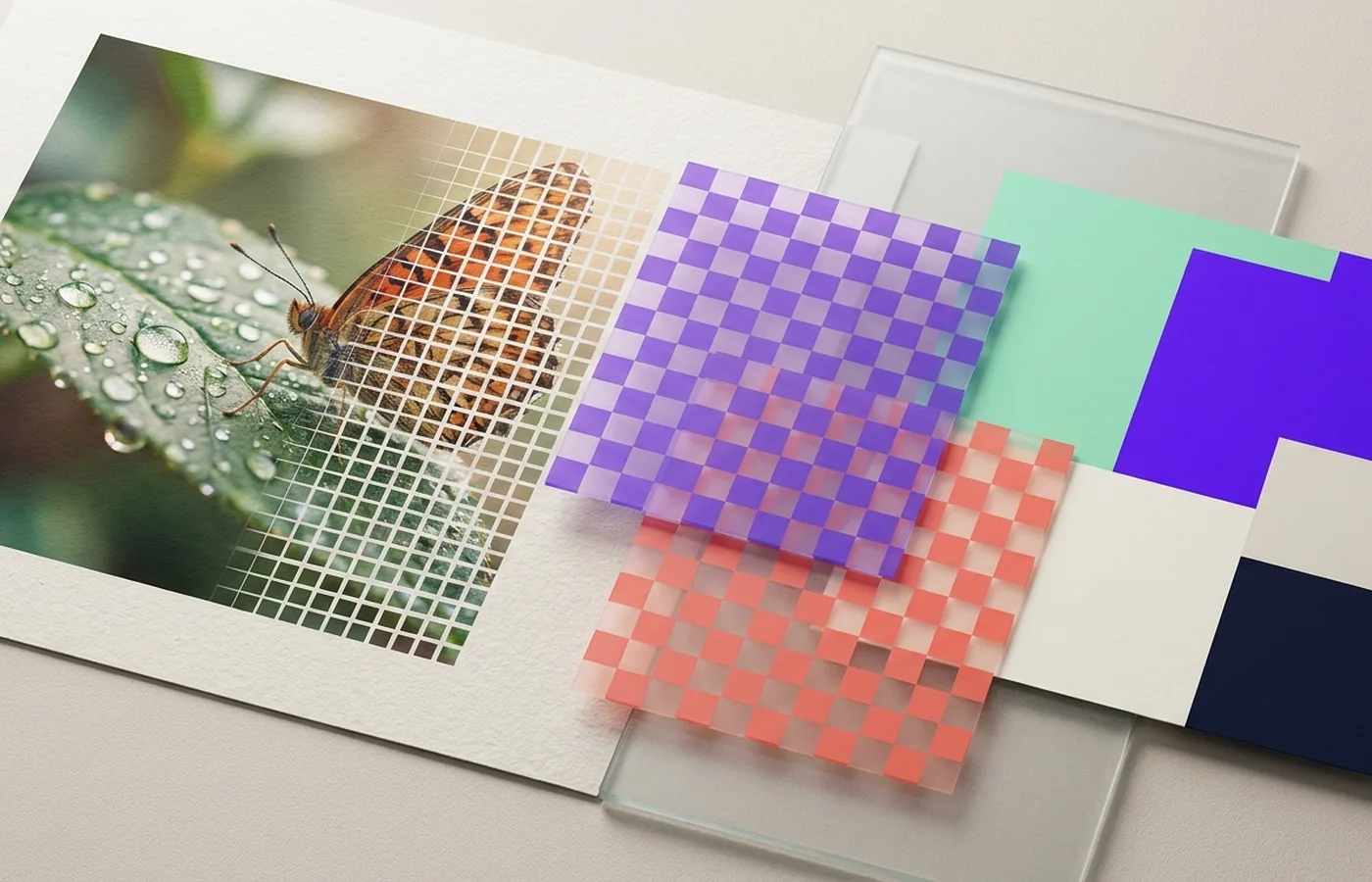
The right web image format depends on transparency, detail, browser support, and how aggressively the image must load.
10 min read →Pixels describe samples; vectors describe shapes. The correct choice follows the content, not a design trend.
7 min read →Pixel dimensions determine digital detail; print density determines how tightly those pixels are placed on paper.
9 min read →A missing or mishandled ICC profile can shift color even when every pixel value survives.
7 min read →Judge an image by content type, target dimensions, transparency, color space, and whether future editing matters.
Image conversion starts with the artwork, not the popularity of an extension. Photographs, interface graphics, logos, scans, and print files need different combinations of pixel resolution, vector structure, transparency, animation, and color metadata. Keep an editable or lossless source, export at the final dimensions, and inspect the result in the browser, device, or print workflow that will use it.
Apply these guides with the image format converter, the SVG vector converter or the image resizer.
Inspect pixel dimensions and embedded color profile. Separate photographic detail from flat graphic regions.
Export at the final display or print requirement. Compare edges, gradients, transparency, and metadata.