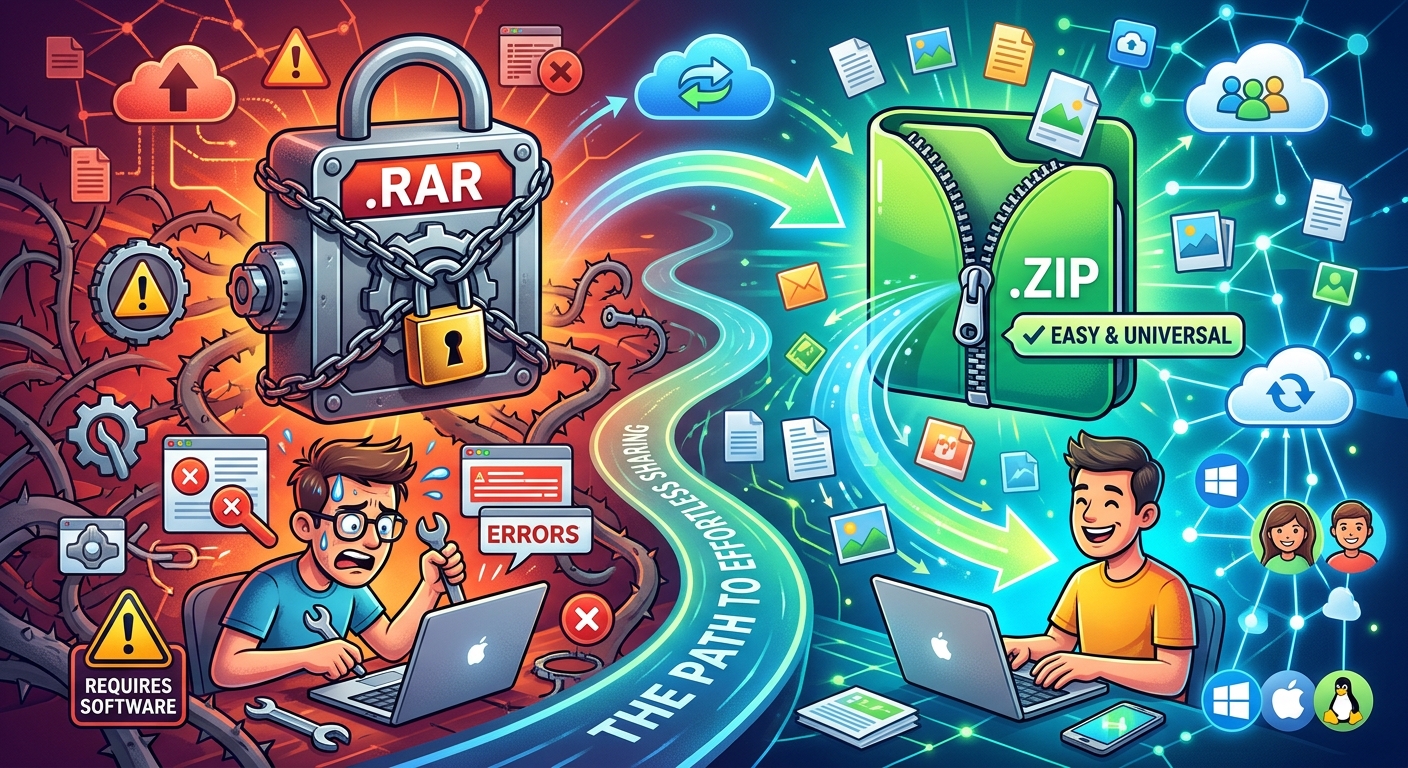
Your files are ready. The deadline is close. Then your recipient replies, “I can’t open this attachment.” A neatly packed RAR archive has just created another task for someone who only needed your documents. Choosing ZIP can make that handoff easier, but compatibility is only part of the decision. Before changing formats, consider the likely file size, the recipient’s device, and any protection or archive features you need to preserve.
Three Checks Before You Convert
- Choose a format your recipient can open with their available tools.
- Expect compression results to depend on the files inside.
- Check extracted contents and privacy settings before sharing.
Start With the Person Receiving Your Files
The best archive format is one that fits the actual handoff. A student submitting coursework through a portal may need ZIP because the upload rules require it. A freelancer sending design assets to a regular client may already know that RAR works. A family member opening photos on a phone may need a little more guidance with either format.
Ask what happens after delivery. Will someone extract everything on a laptop? Preview an attachment on a phone? Upload the archive into another service? Those details matter more than which format produces the smallest result in a test.
ZIP is often a sensible default for a mixed audience. Ordinary ZIP archives have broad support across common desktop systems and file management tools. RAR support varies with the device, operating system version, and installed software.
Avoid assuming that RAR always requires an extra application. Official guidance on archive support confirms that Windows 11 version 24H2 supports ZIP, RAR, 7z, and TAR. It also notes limitations with encrypted archives. A recipient’s exact setup can therefore change the answer.
Compare Convenience Against Compression Expectations
Both ZIP and RAR gather files into one archive. Both can compress those files without changing their original contents when extraction succeeds. That makes them useful for sending a folder of documents while keeping its structure intact.
RAR can produce smaller archives than conventional ZIP for some collections and settings. Solid compression, which uses information across multiple files, can help with groups of similar content. The size advantage is not a fixed percentage, and it does not apply to every folder.
Plain text, spreadsheets, and repetitive data may compress noticeably. JPEG photos, MP4 videos, and many modern document formats already contain compressed data. Packing them into another archive may save very little. The archive can even become slightly larger because it needs its own directory information and other overhead.
How ZIP and RAR Fit Everyday Sharing
| Decision Point | ZIP | RAR |
|---|---|---|
| Recipient compatibility | Broad support for ordinary archives. | Check the recipient’s device and software. |
| Compressed size | Results depend on contents and settings. | May be smaller with suitable contents and settings. |
| Photos and videos | Often offers limited additional savings. | Additional savings may also be limited. |
| Password protection | Encryption support depends on the method and extraction tool. | Requires a tool that supports the archive’s encryption. |
| Existing archive features | A converted copy may not retain RAR-specific features. | Keeping the original preserves its existing packaging. |
Consider a folder of holiday photos. If ZIP is only slightly larger than RAR, easier extraction may be worth that difference. For a large collection of repetitive files sent over a slow connection, smaller output could matter more. Compare the actual results before deciding.
Changing the Archive Does Not Change the Files Inside
Converting RAR to ZIP normally means reading the original archive, recovering its contents, and packaging those contents into a new ZIP archive. Renaming a file from project.rar to project.zip does not perform that process. It changes the label while leaving the underlying format untouched.
A proper conversion should preserve the file data. Your photos should keep their resolution. Your documents should retain their text and formatting. Archive compression itself does not reduce image quality or re-encode video.
There is another compatibility question inside the archive, though. A ZIP containing a specialist drawing file still requires an application that can read that drawing. Converting the outer archive does not turn its contents into universally readable documents.
Think of ZIP as the delivery package. It can make the package easier to open, but it cannot guarantee that every item inside suits the recipient.
Check for Features That May Not Carry Across
An archive can hold more than compressed file contents. Depending on its format and settings, it may include comments, recovery information, encryption, timestamps, and file attributes. A conversion tool may preserve some details while omitting others.
For an ordinary folder of homework or meeting notes, this may cause little concern. For a software distribution or a carefully maintained backup, permissions and other metadata can matter. Keep the original RAR when those details have value.
Multipart archives also need attention. If the source arrives as several numbered parts, obtain the complete set before attempting extraction or conversion. One missing part can prevent recovery of files that span the volumes. Support for multipart input depends on the conversion tool.
Password protection needs its own check. Do not assume that a protected RAR will automatically become a protected ZIP. The converter may require the original password and may produce an unencrypted result. Confirm the output settings before sending anything confidential.
Choose an Online or Local Conversion Route Thoughtfully
A browser tool can be convenient for an ordinary archive when you want to avoid installing software. A RAR to ZIP converter can help create a more widely usable package, provided the service supports your archive’s size and features. Check those limits before starting a large transfer.
For sensitive material, first establish how the tool handles files. Processing may happen locally in your browser or involve uploading data to a server. A browser interface alone does not tell you which approach it uses.
Read the service’s privacy information for upload handling, retention, and deletion. If the files belong to an employer or client, follow their sharing rules. A local archive application may be the better route when the contents cannot leave your device or you cannot verify the service’s handling practices.
For local conversion, extract the RAR into a separate folder using a compatible application. Inspect that folder, then create a ZIP from its contents. Avoid extracting directly into a busy working folder, where existing files could make missing or duplicate items harder to notice.
Validate the ZIP Before Sending It
A completed download is only the start of checking the result. Open the ZIP, then extract it into a new folder. Extraction tests more than viewing the archive’s file listing, because it requires the stored contents to be read successfully.
Use this checklist before delivery:
- Compare file counts and folder structure with the original archive.
- Check filenames, including accented characters and non-English text.
- Open important documents, images, and media files after extraction.
- Review warnings about missing parts, unreadable entries, or passwords.
- Confirm whether encryption is present if protection is required.
- Check the ZIP’s final size against the destination’s upload limit.
The archive’s total size does not need to match the RAR. Different compression methods produce different package sizes. Extracted file sizes should match the originals when the file data has been preserved. For valuable files, comparing checksums gives stronger evidence that the contents are identical.
Keep the original RAR until you have verified the ZIP and the recipient has received what they need. The converted archive is a delivery copy. It should not become your only copy before you know it works.
Handle Size Limits Without Sacrificing Usability
Changing from RAR to ZIP may make an archive larger. If you are already close to an email or upload limit, check the new size before composing the message. A format change alone may not solve a delivery problem.
Removing unnecessary files can help more than adjusting compression settings. Old exports, duplicate photos, and temporary files often add weight without adding value. Make those changes in a separate sharing folder so your originals remain available.
Splitting an archive into multiple volumes introduces more work for the recipient. They may need every part and a compatible extraction tool. Where permitted, a shared download link can be easier for a large package, especially when the recipient only needs selected files.
Send a Package Your Recipient Can Use
Choose ZIP when broad compatibility and a straightforward handoff matter most. Keep RAR when the recipient already supports it and its size or archive features serve a clear purpose. There is no need to convert a working package simply because another format is more familiar.
Before sending, confirm three things: the recipient can extract the archive, the files inside suit their needs, and the output contains everything you intended. A short message naming the main folder and explaining what it contains can remove the last bit of uncertainty. Easier sharing comes from matching the package to the person opening it.